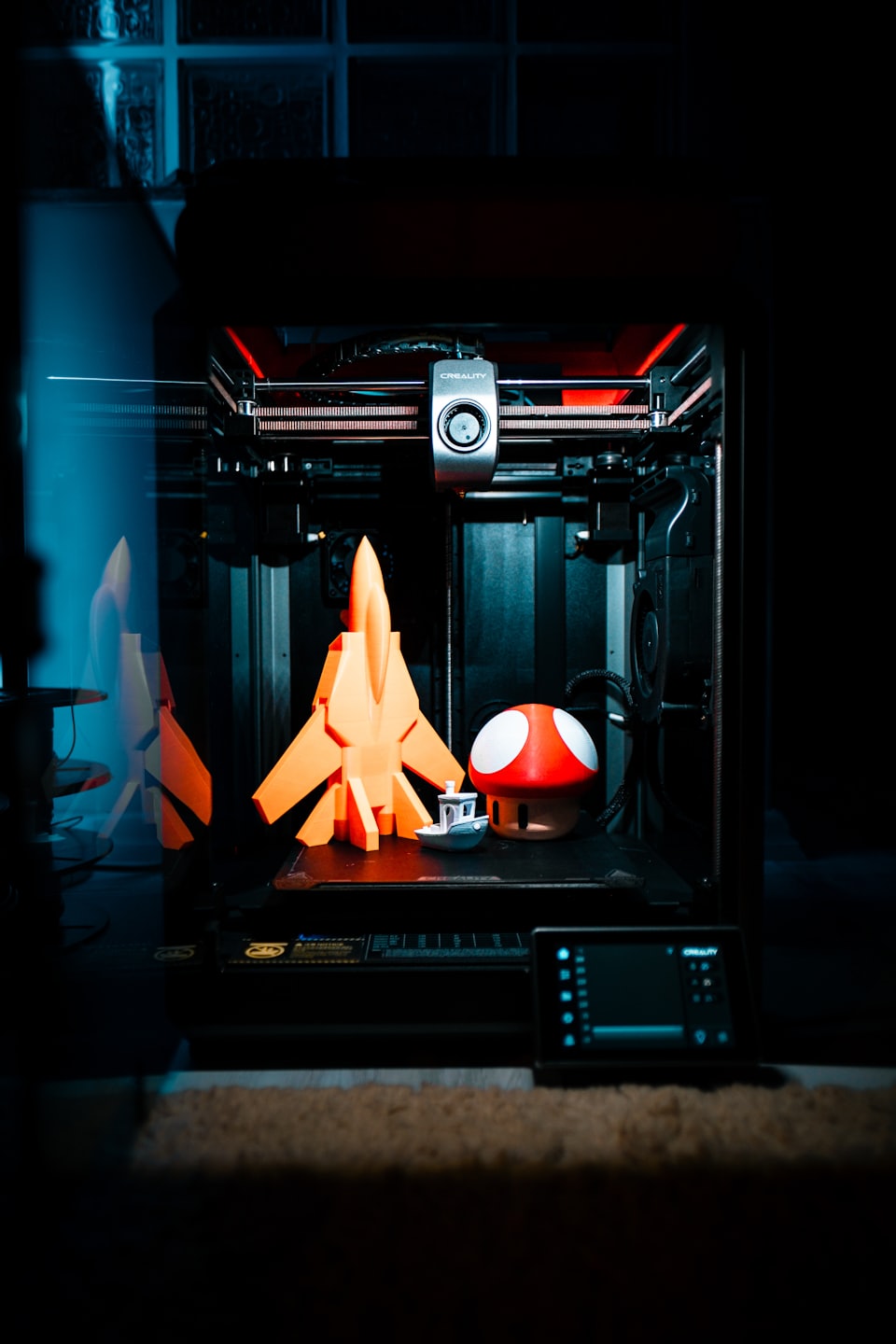

If you have been 3D printing for a while, you have probably moved past the basics. Your first layer sticks, your prints do not warp, and you have figured out your slicer settings. But there is a whole world of advanced techniques that can take your prints from good to exceptional. Here is what experienced makers know that beginners often miss.
Dialing In Your Flow Rate
One of the most overlooked settings in FDM printing is flow rate, also called extrusion multiplier. Most people leave it at 100% and wonder why their prints look slightly over or under extruded. The fix is simple: print a single wall cube and measure the wall thickness with calipers. If your wall measures 0.45mm but your nozzle is 0.4mm, your flow rate is too high. Adjust it down by the same percentage and retest. Getting this right improves surface quality dramatically.
Pressure Advance and Linear Advance
If you are printing at higher speeds and seeing blobs at corners or gaps on direction changes, pressure advance (Klipper) or linear advance (Marlin) is your solution. These firmware features compensate for the pressure buildup inside the nozzle during acceleration and deceleration. Tuning them takes about 30 minutes but the improvement in corner quality and overall surface finish is immediately visible.
Multi Material and Color Printing
Printing in multiple colors or materials opens up new creative possibilities. Whether you are using a multi filament system or doing manual filament swaps, the key is getting clean transitions. Use purge towers or purge lines to clear old material before the new color reaches your part. For functional parts using dual materials, pay close attention to adhesion between materials because not all filament combinations bond well together.
Post Processing for a Professional Finish
The print is just the beginning. Sanding starts at 200 grit and works up to 1000 or higher for a smooth finish. For PLA and ABS, filler primer spray fills layer lines before paint. ABS can be acetone smoothed for a near injection molded finish. PETG responds well to light sanding followed by a UV resistant clear coat. For display pieces, a coat of XTC 3D epoxy coating self levels and creates a glass smooth surface without any sanding at all.
Printing Engineering Filaments
Moving into engineering materials like ASA GF, PC, or PA (Nylon) requires more preparation. These materials are hygroscopic, meaning they absorb moisture from the air and cause poor layer adhesion, stringing, and weak parts. Always dry your filament before printing technical materials. A food dehydrator set to 65 degrees Celsius for 4 to 6 hours works well. Print from a dry box if possible to maintain low moisture throughout the print.
Knowing When to Orient Differently
Layer orientation affects strength significantly. A part printed flat is stronger horizontally than vertically. FFF parts are always weakest along the Z axis where layers meet. For functional parts that will take stress, think about how forces will be applied and orient the print so layers run perpendicular to the primary stress direction. Sometimes this means using supports you would normally avoid, but the strength gain is worth it.
At LifeBytes we work with all these techniques daily across our range of engineering and specialty filaments. If you want to push your printing further, our team is happy to advise on materials and settings for your specific application.
Talk to Our Team