Everything You Need to Print with Confidence
Whether you’re just starting out or pushing the limits of advanced filaments, our resources are here to guide every step of your journey.
Start Here — Core Resources
The essentials for getting great results from your 3D printer.

Getting Started with 3D Printing
Core principles of additive manufacturing, from first layer adhesion to choosing the right process for your part.
Read the Guide →
Filament Selection Guide
PLA, PETG, ABS, TPU, ASA-GF, understand the strengths of each material and which one is right for your application.
Browse Filaments →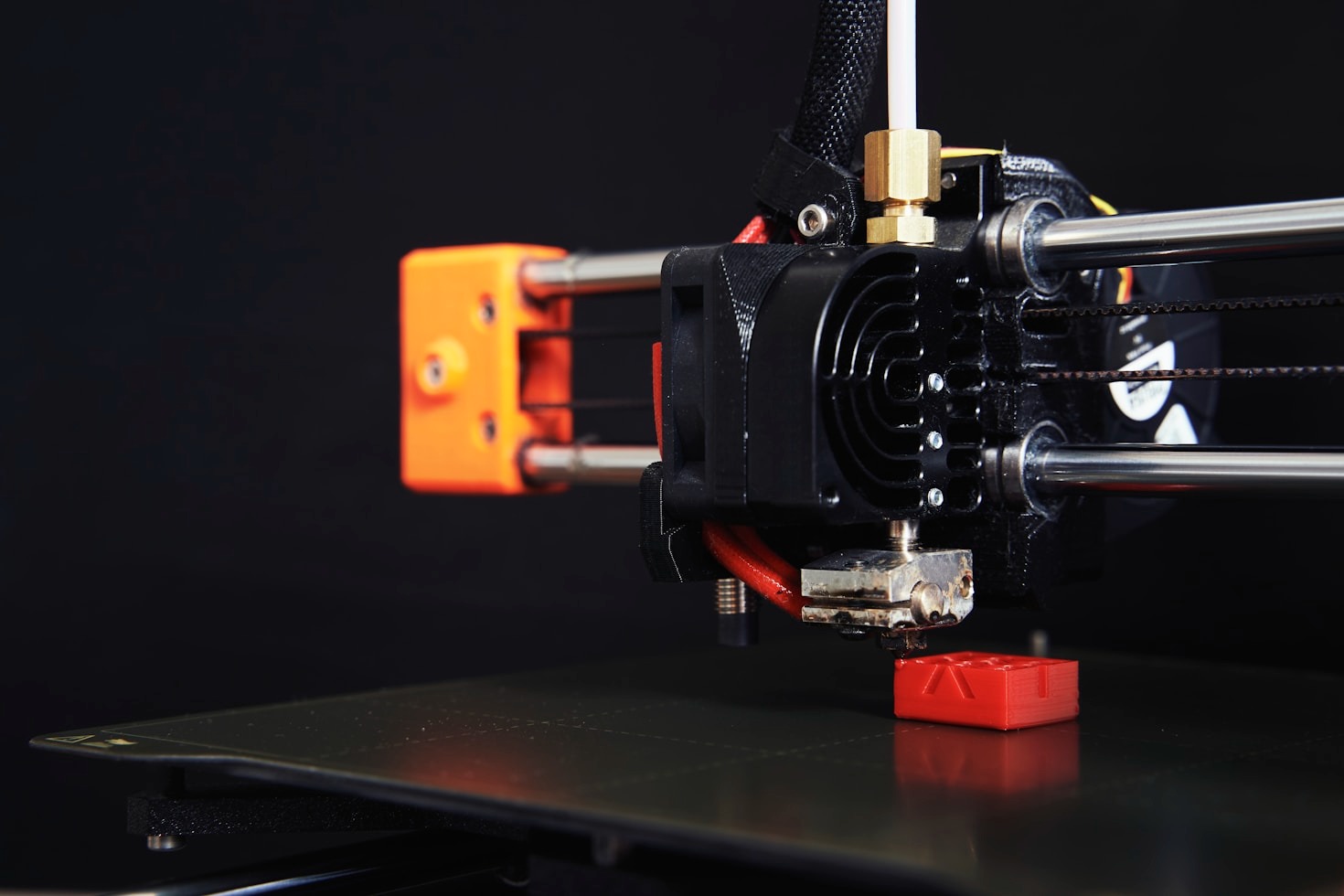
Advanced Printing Techniques
Calibration, tuning, and process control that take a print from acceptable to production ready.
Explore Techniques →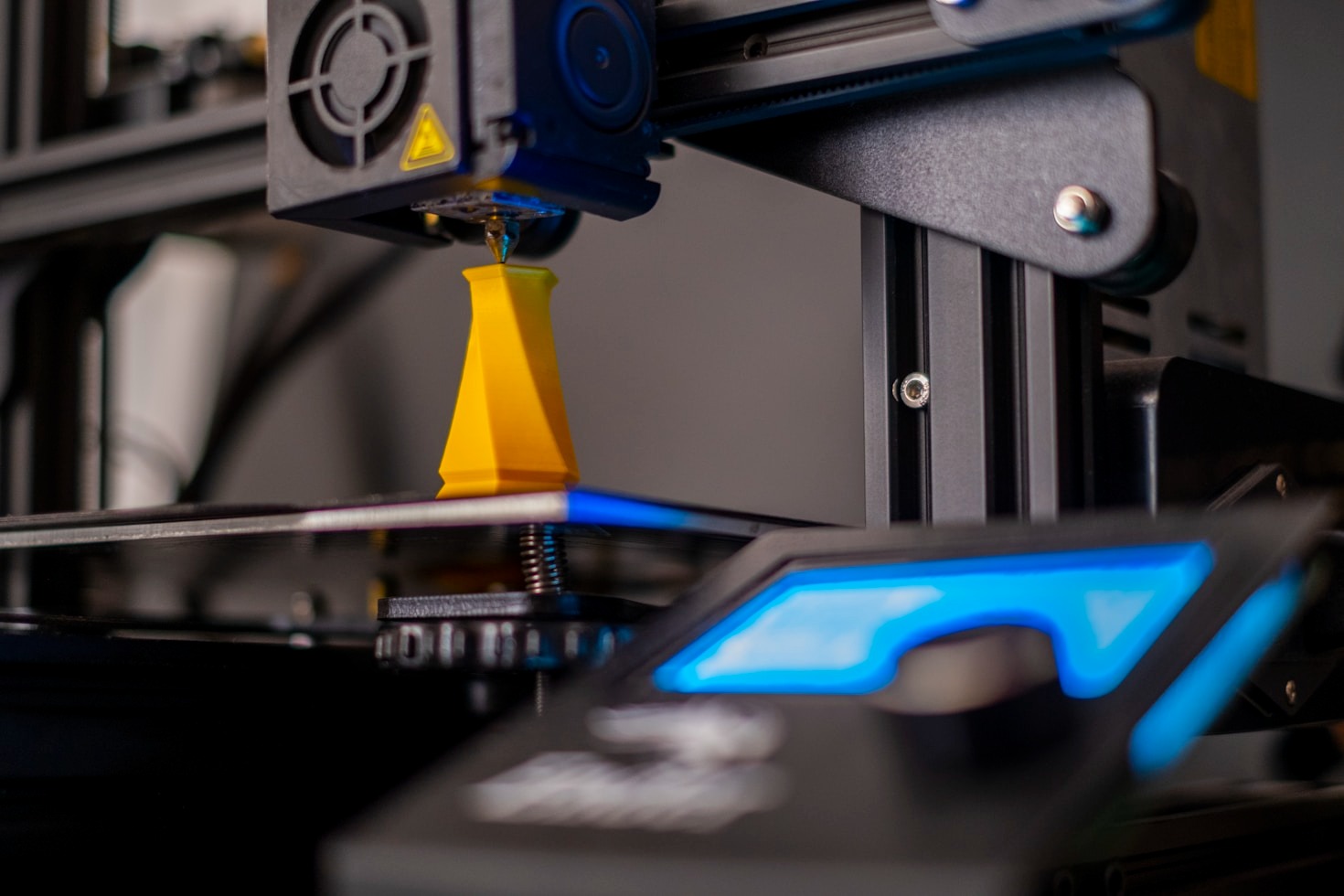
Troubleshooting & Support
Stringing, warping, layer shifts, under extrusion, get solutions to the most common 3D printing problems fast.
Get Help →
Design & Modeling Tips
From concept to print-ready file guidance on designing for FDM, wall thickness, tolerances, and export settings.
Learn More →
Custom Orders & Quotes
Need something specific printed? LifeBytes offers custom 3D printing services for prototypes, functional parts, and creative projects.
Request a Quote →
Frequently Asked Questions
Quick answers to the most common 3D printing questions we get at LifeBytes.
- PLA — Easy to print, biodegradable, great detail. Not heat resistant. Best for display models, prototypes, household items.
- PETG — Tougher than PLA, food-safe options available, slight flexibility. Great for functional parts.
- ABS — High heat resistance, impact resistant, post-processable with acetone. Requires enclosure, strong fumes.
- ASA / ASA-GF — Like ABS but UV resistant and more dimensionally stable. Ideal for outdoor use. ASA-GF adds glass fiber for extra stiffness.
- Bed temperature too low, increase by 5°C increments
- First layer too far from the bed, re-level and reduce Z offset
- Drafts or cooling use an enclosure for ABS/ASA
- Dirty bed, wipe with isopropyl alcohol before each print
- Wrong bed surface. PEI sheets work well for most filaments
- Nozzle temp: 230–245°C
- Bed temp: 70–85°C
- Print speed: 40–60mm/s
- Cooling: Low to medium (50% or less)
- Retraction: 1–3mm direct drive, 4–6mm Bowden
Still Have Questions?
Our team is happy to help with filament advice, print settings, custom orders, or anything else 3D printing related.
Get in TouchReady to Start Printing?
Browse our range of filaments, accessories, and ready-made 3D prints.
Visit the Shop